In short
To set up a business profile in ChatGPT, go to chatgpt.com/business-hub, search for your business, verify domain ownership with a TXT record, add a category, description and contact details, and verify the business phone with a code. The profile is saved as a draft and is only published after the owner verifies their identity with a government ID. We did this on 11 November 2026 for our own site; every screenshot here is from the real process.
For what Business Hub is and why it matters, see our overview of the launch. This is the practical part.
What to prepare
- A ChatGPT account - a free account is enough.
- Access to your domain's DNS settings - at your registrar or host. If you don't have it, business-email verification is also available.
- The business phone - a verification code is sent to it.
- A short business description - up to about 250 characters. Write it in advance.
- The owner's government ID - for the final step.
Step 1: Search for your business
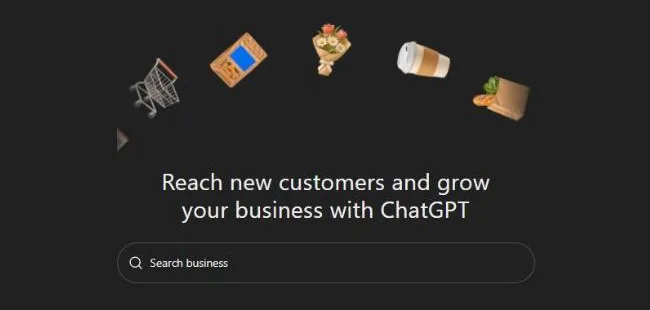
Go to chatgpt.com/business-hub and type your business name. If ChatGPT already has a listing for you, it shows up here.
Step 2: Create a new profile
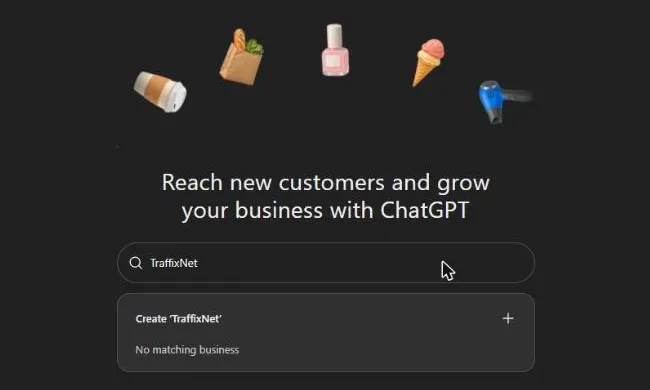
We had no existing listing ("No matching business"), so we clicked Create. If yours exists, select it and claim it.
Step 3: Website or physical location
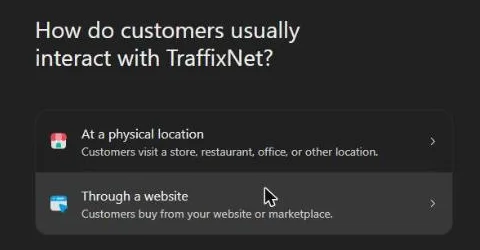
Online businesses and service businesses that work through their site choose Through a website. The physical-location option is meant for stores and restaurants, but for now it only works with an existing US local listing.
Step 4: Your website
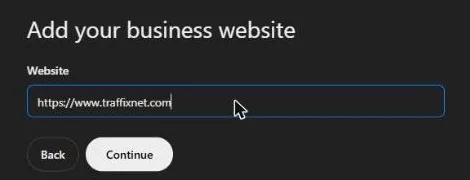
Enter the full address of your main website.
Step 5: Verify the domain with a TXT record
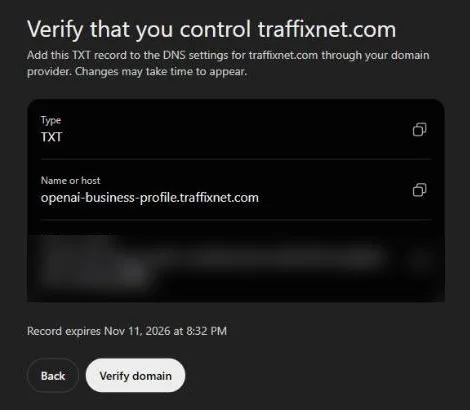
This is the only technical step. ChatGPT gives you a TXT record named openai-business-profile with a unique value, to add in your domain's DNS settings. Our DNS is on Vercel and adding it took a minute. After a few minutes, click Verify domain.
- The value expires quickly - in our case in less than a day. If it expires, restart this step to get a new one.
- The record does not affect your site or email - it sits on a dedicated subdomain.
- If verification does not pass at once, it is usually propagation. It took us two clicks.
Step 6: Category and description
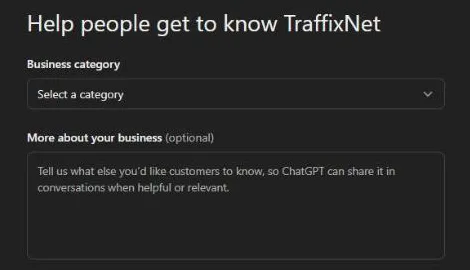
Pick a category from the list (ours is Marketing agency) and write a description. Two notes from doing it:
- The description is limited to about 250 characters, and longer text is simply cut off mid-word. Say what you do, for whom, a starting price if you publish one, and how to get in touch.
- Clicking a suggested category replaces your main category rather than adding to it. Check what is selected before you continue.
Step 7: Contact details and a verification code
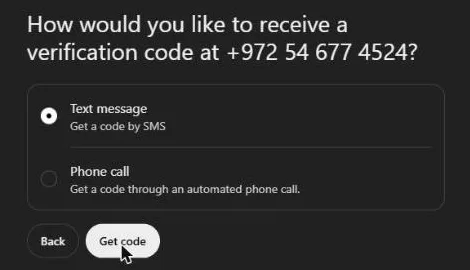
Phone and email are optional, but they will appear on the profile. Pick the right country code first. A code is then sent to the phone by text or call, and whoever has the phone enters it.
Step 8: Delivery and returns
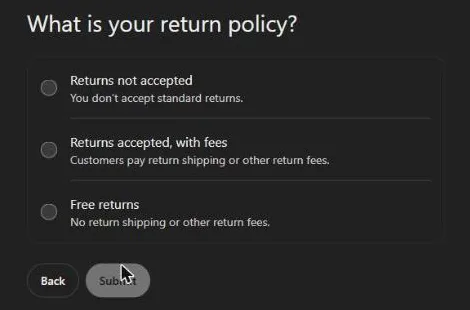
These questions are built for stores. A service business chooses Delivery unavailable and Returns not accepted. A store should match the policy published on its own site.
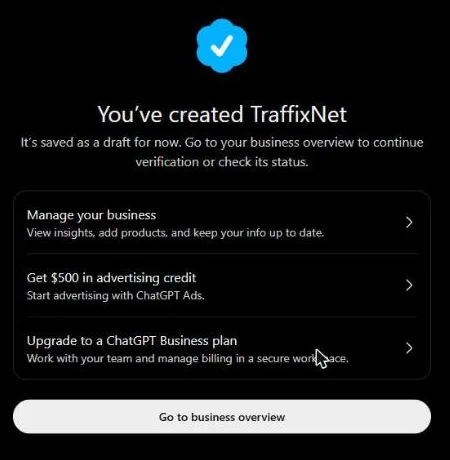
Step 9: The profile is created as a draft
You get a confirmation that the profile is saved as a draft. On the same screen we were also offered $500 in ChatGPT Ads credit.
Step 10: Identity verification
The overview page asks you to verify your identity with a government-issued ID. Without it you cannot edit the information or publish the profile, and the blue verified badge only comes after it. The owner has to do this step personally. The same page will later show the data: mentions and website clicks over 7 or 28 days.
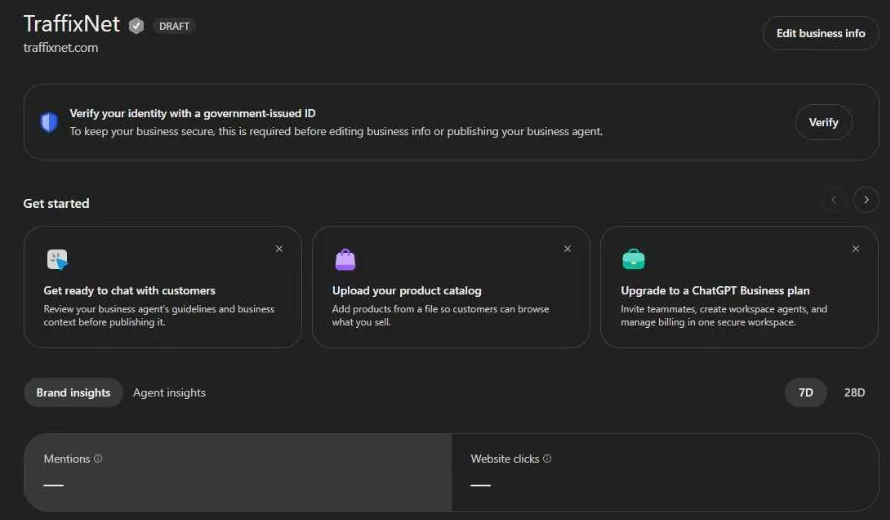
As of 11 November 2026 our profile is waiting on this step. We will update this guide with what happens after verification and how long data takes to appear.
After the profile is live
- Note the date, so you have a baseline.
- Once a month, compare Business Hub clicks with chatgpt.com sessions in Google Analytics and with real leads or orders.
- Keep the profile current - prices, services, contact details - just like your Google Business Profile.
Sources
- OpenAI Help Center: Setting up your business on ChatGPT
- OpenAI: Introducing Businesses in ChatGPT (10 Nov 2026)
Want us to set it up for you?
We can write the description, add the DNS record and connect the data to your measurement, while the owner completes identity verification. Talk to us → or Free SEO & AEO report →